

Shared Devices Secured by Freja
Instead of unnecessary expenses, make smart use of available resources.
OrgID enables your employees to easily share devices from an existing pool during their shift.
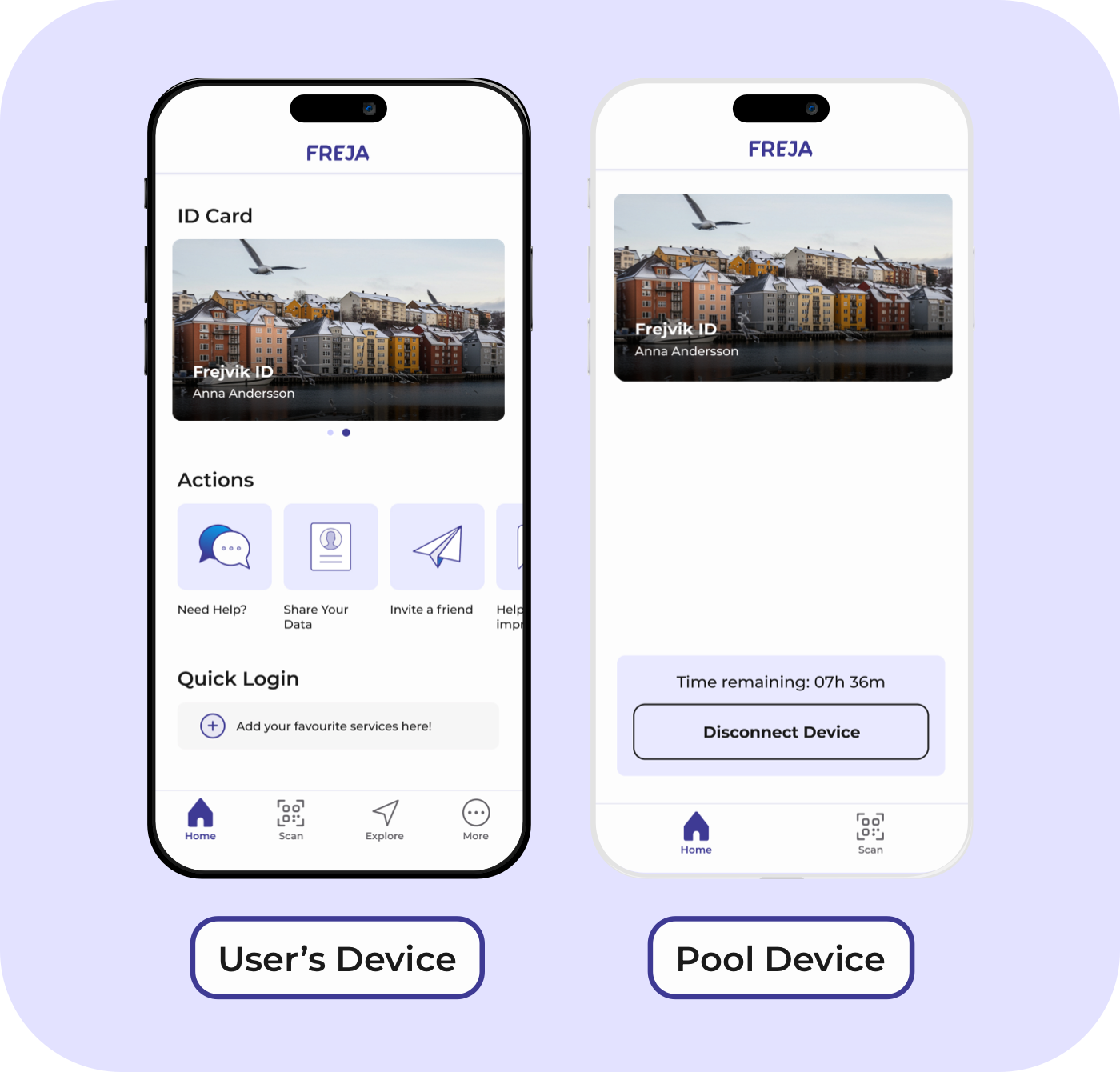


Two Ways to Activate a Shared Device


No Compromises on Security
An OrgID on a shared device retains its LOA. This means that your employees can perform the same duties as if they were using their primary device.
You decide on the length of a shared device session. The OrgID on the shared device is also protected by the employee’s PIN to prevent misuse.
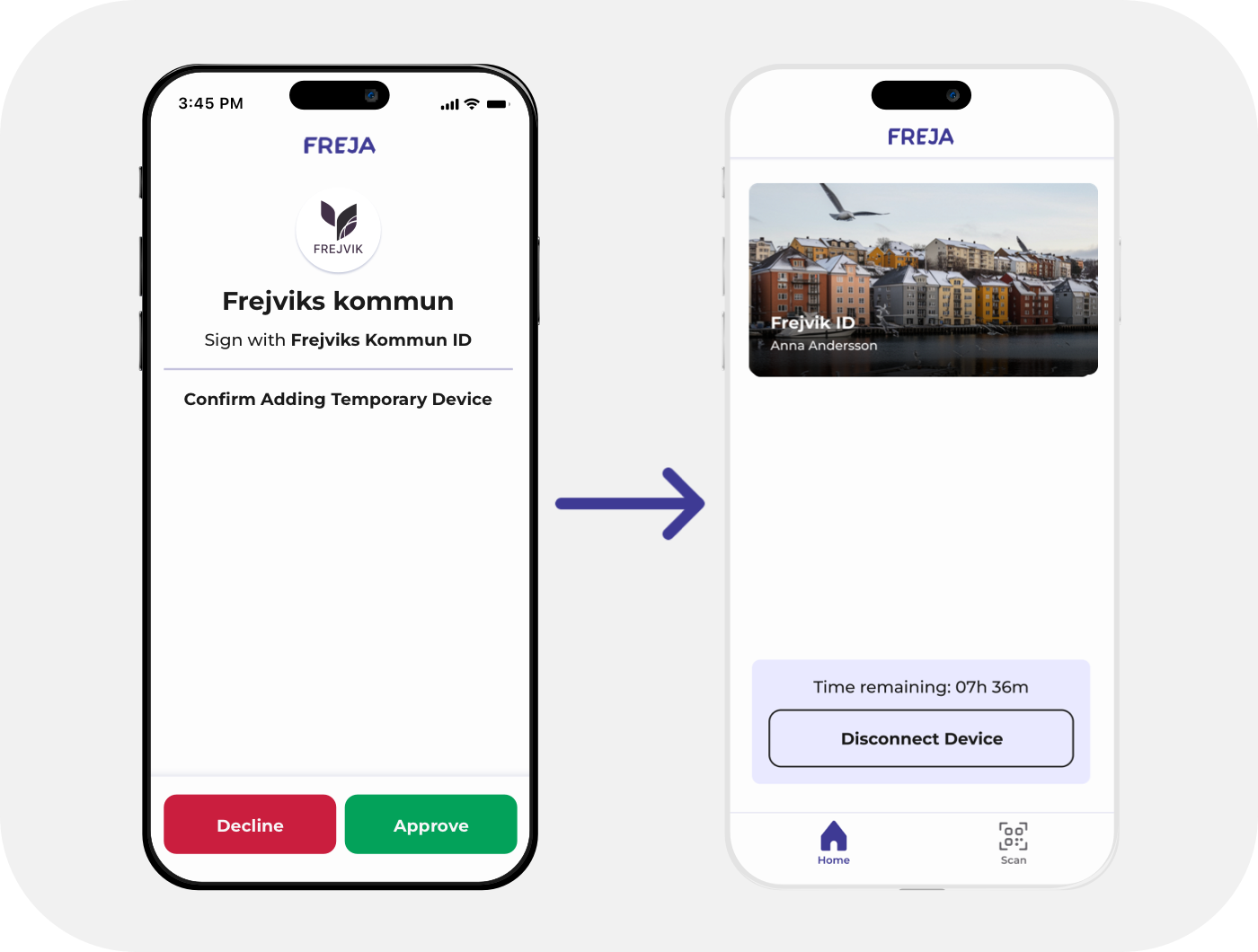

Smooth Handover
Once their shift ends, the employee simply logs out of their shared device and their colleague can take over.
The session also ends after a set time limit, or it can be ended by the next person who needs to use the device.
The benefits of securing shared devices with OrgID



Your Organisation – Your Rules
Control roles and attributes assigned to employees, protect their personal data, and shape OrgID to fit your organisation.
Issue and revoke OrgIDs instantly with minimal administration.